
01

Take a photo
Point the camera at an object in front of you. AI recognises what's in the photo and names it.
Your daily discoveries
Point your camera at anything — Lernify names it in the language you're learning, translates it into your language and shows you how it sounds. Then you rehearse it out loud in a short everyday scene with Mosy.
For iPhone. Lernify speaks your iPhone's language — English, Russian, Turkish or Azerbaijani — and you choose the one to learn.


How it works
No textbook, no endless word lists. You learn from your own room, your own desk, your own life.
Point the camera at an object in front of you. AI recognises what's in the photo and names it.
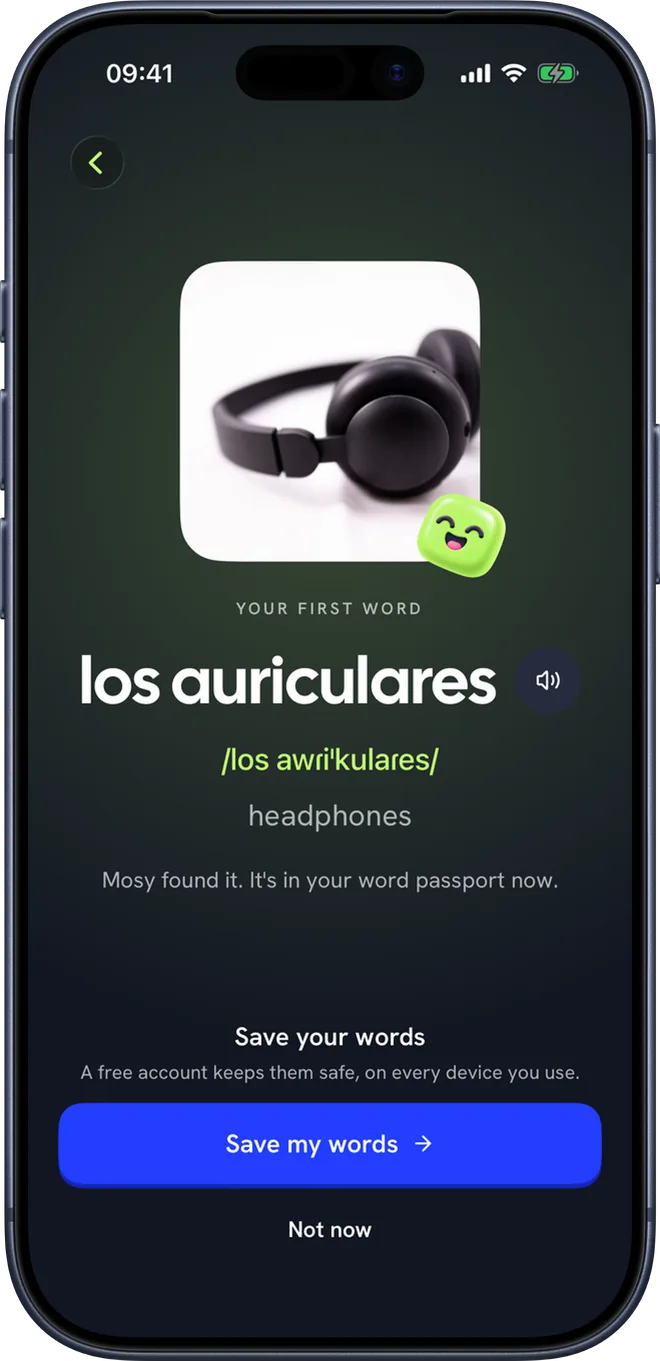
The name in the language you're learning, the translation in your language, the pronunciation and the sound of it. The word is saved with your photo.
AI writes a short scene around that word — a café, the office, an airport — and you answer your way through it.
Photo → word
Lernify starts with your camera, from the very first minute. Point it at something near you and Mosy names it in the language you're learning, with the meaning in yours and how it sounds.

Memory
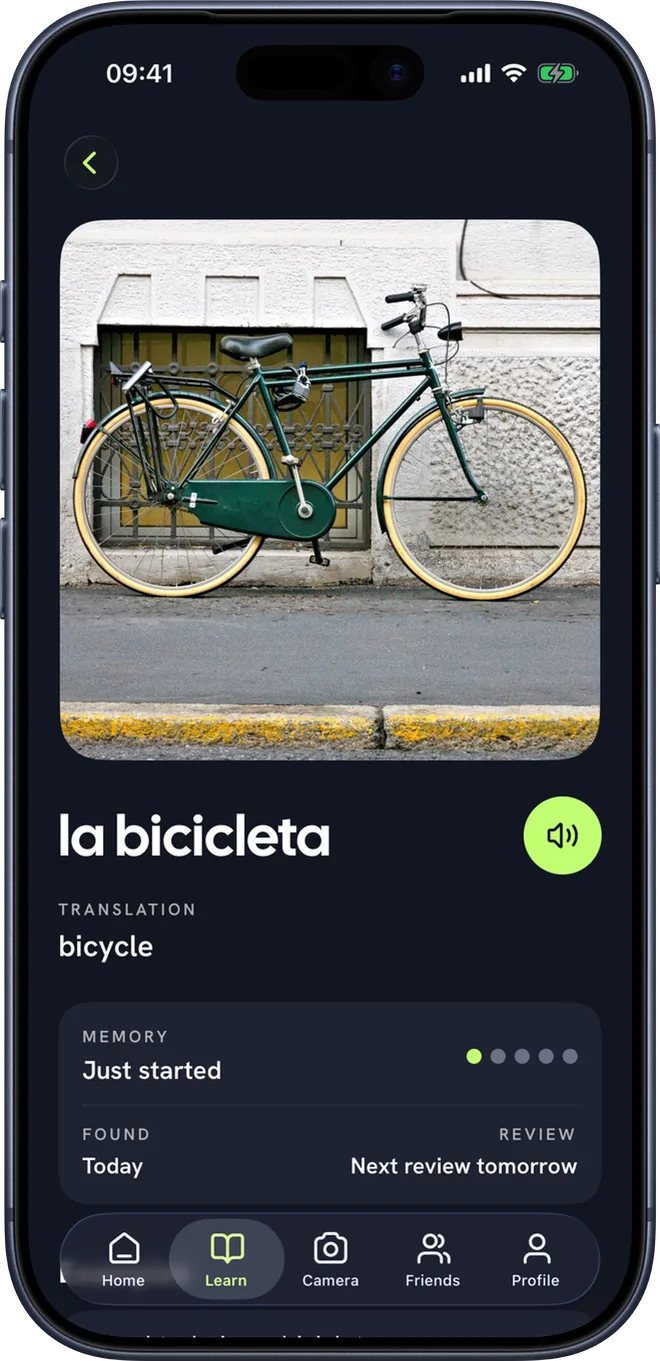
Every word has its own page: the photo, the meaning, examples to listen to and a conversation to use it in. A memory gauge shows how well it has stuck.


Practise speaking
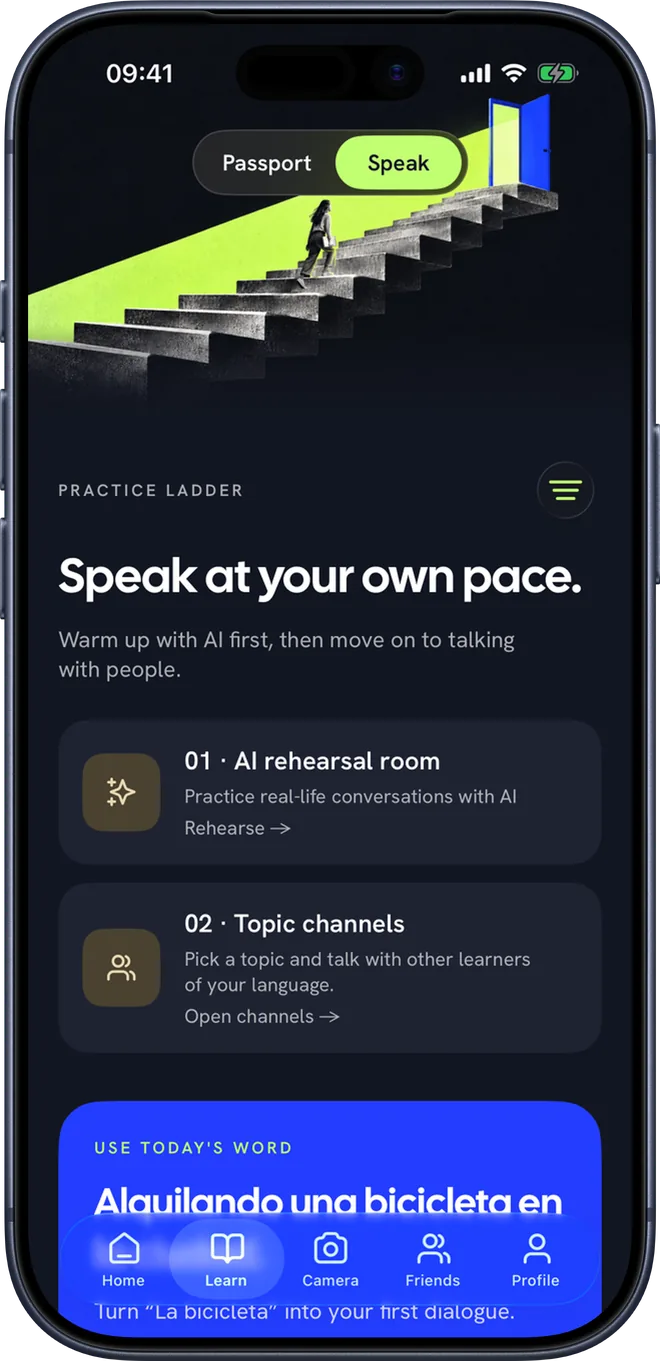
In the AI rehearsal room, everyday scenes — like ordering at a café — are written around the word you've just learned. You read the other person's line and answer out loud.

Level test
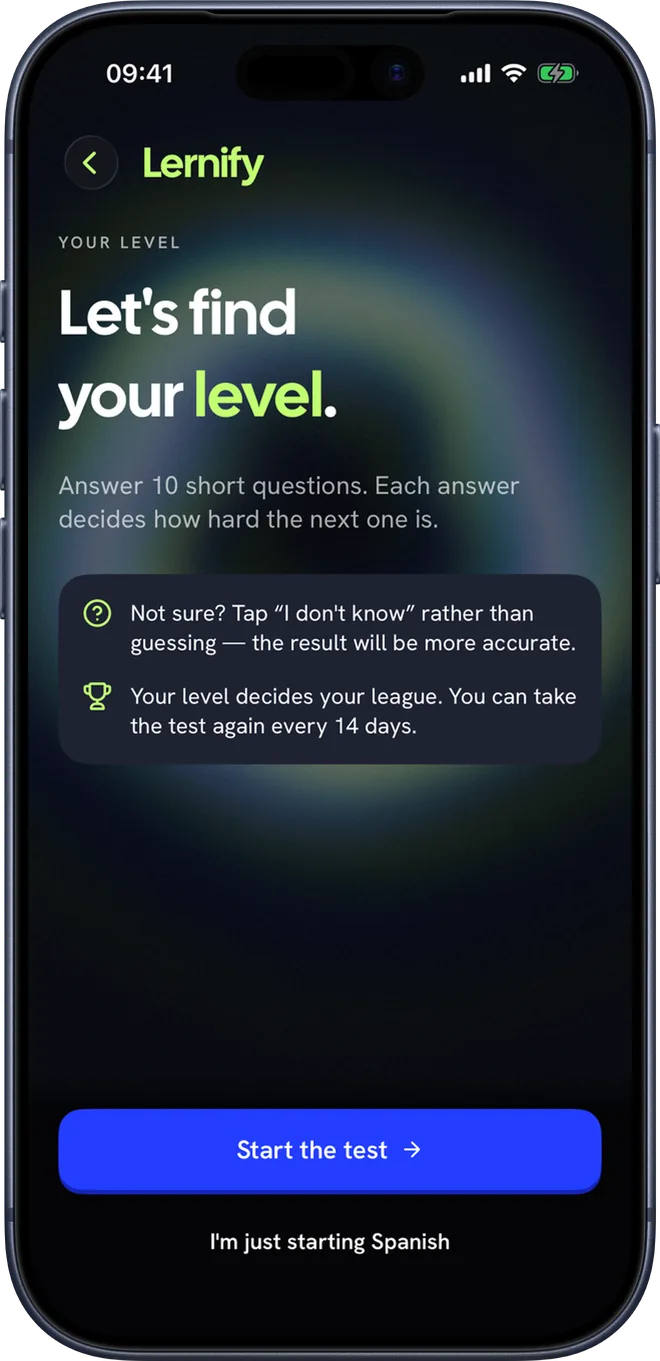
A short adaptive test: ten questions, about three minutes. Each answer moves the next question a level up or down. Or simply say you're just starting.

Passport
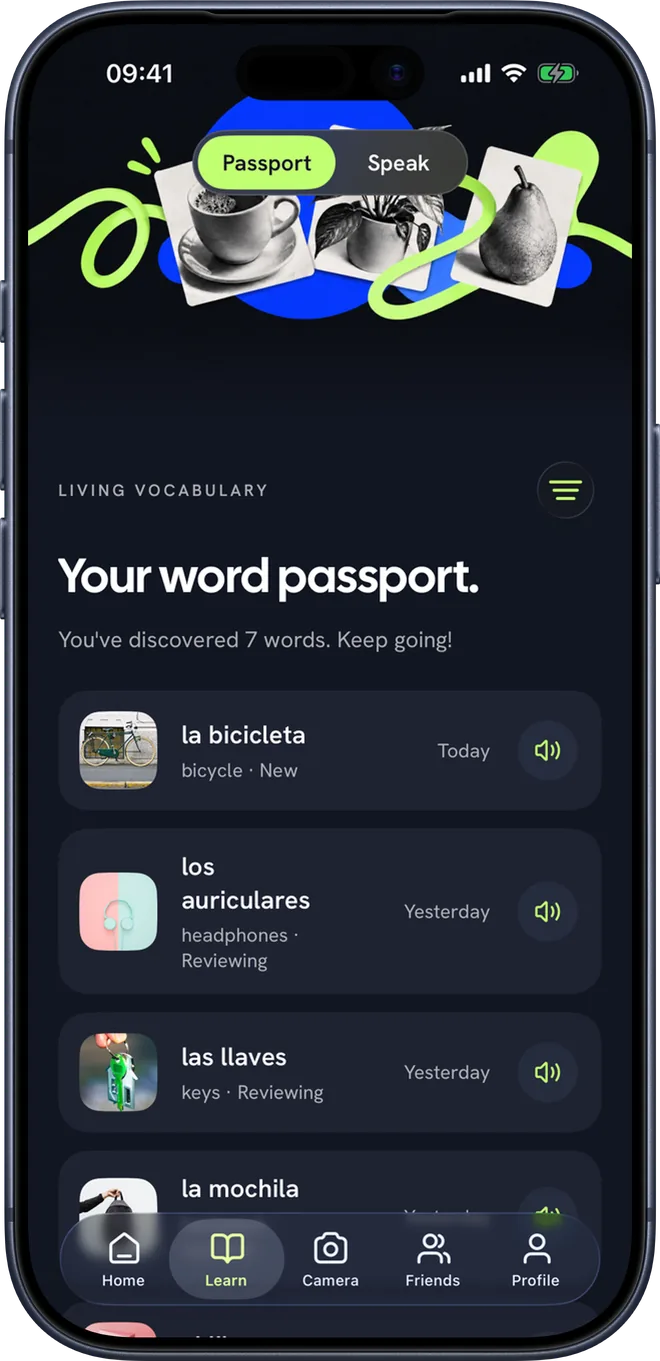
Every word you find lives in your Passport with its photo. Share them with friends or a class as a word set.

Friends
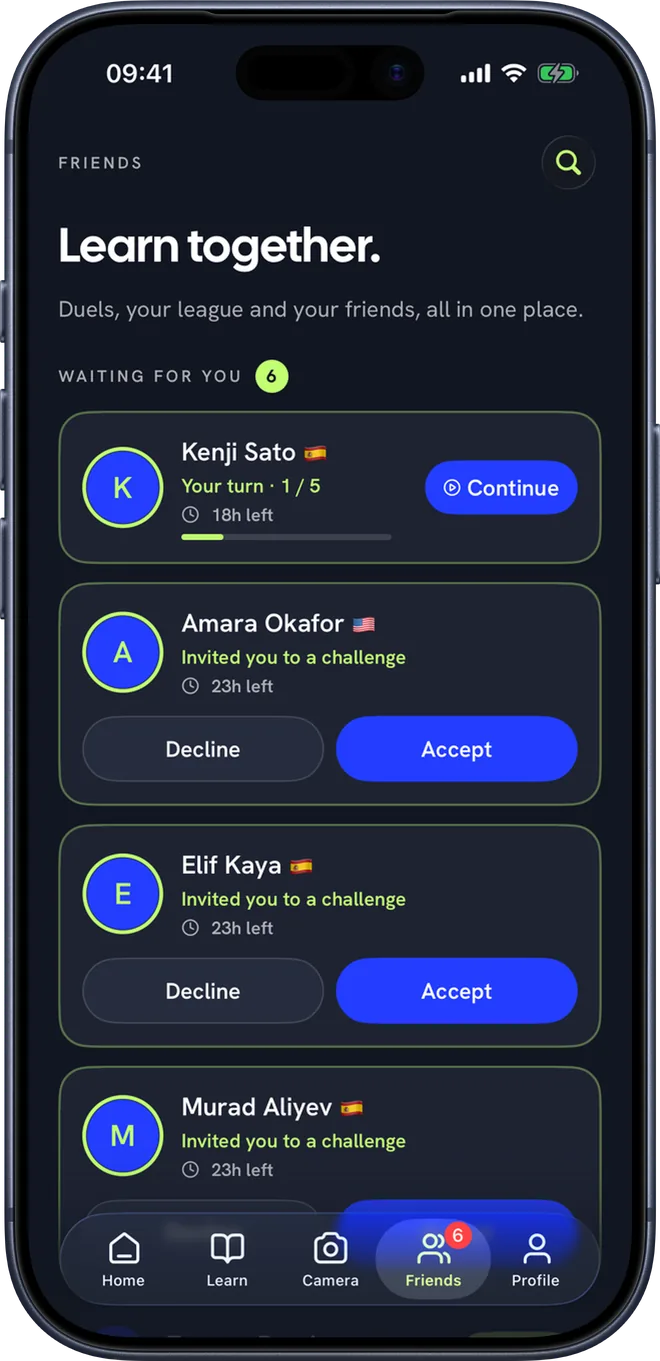
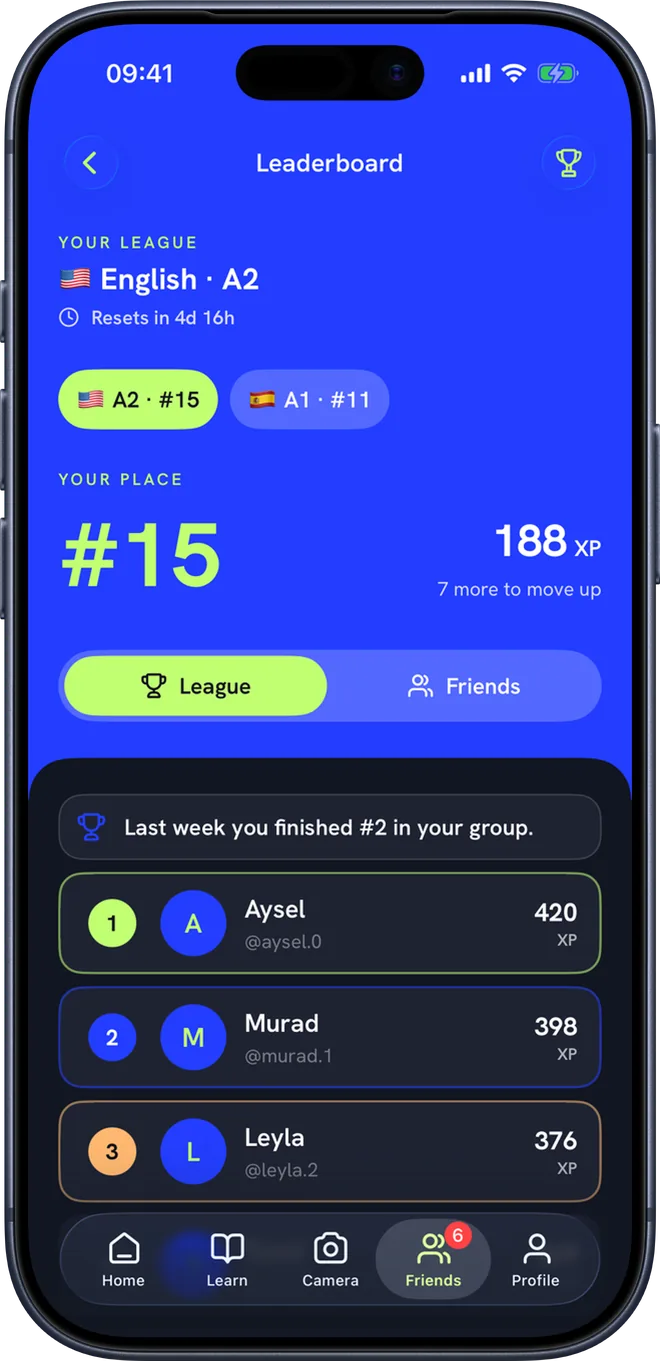
Friends has its own tab: duels, your weekly league and your friends, all in one place.


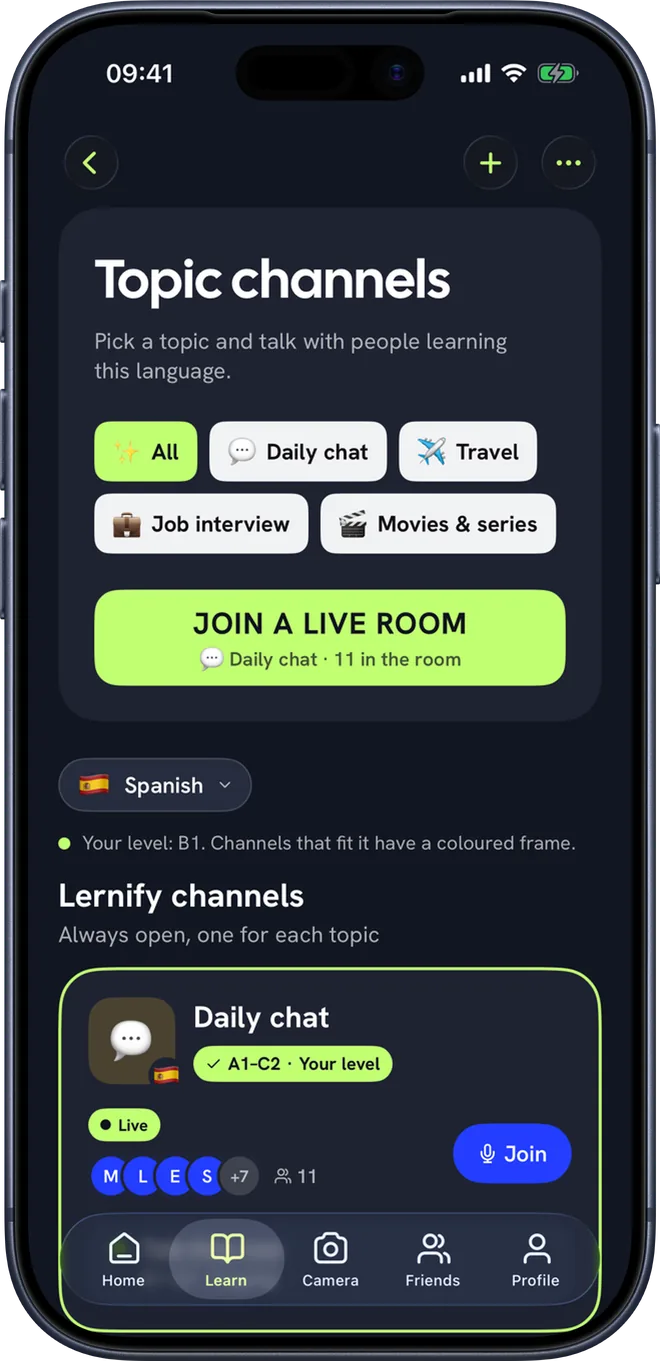
Topic channels
Pick a topic — daily chat, travel, job interviews, films and series — and join a voice room with learners at your level. Talk times mean there's someone to talk to when you arrive.

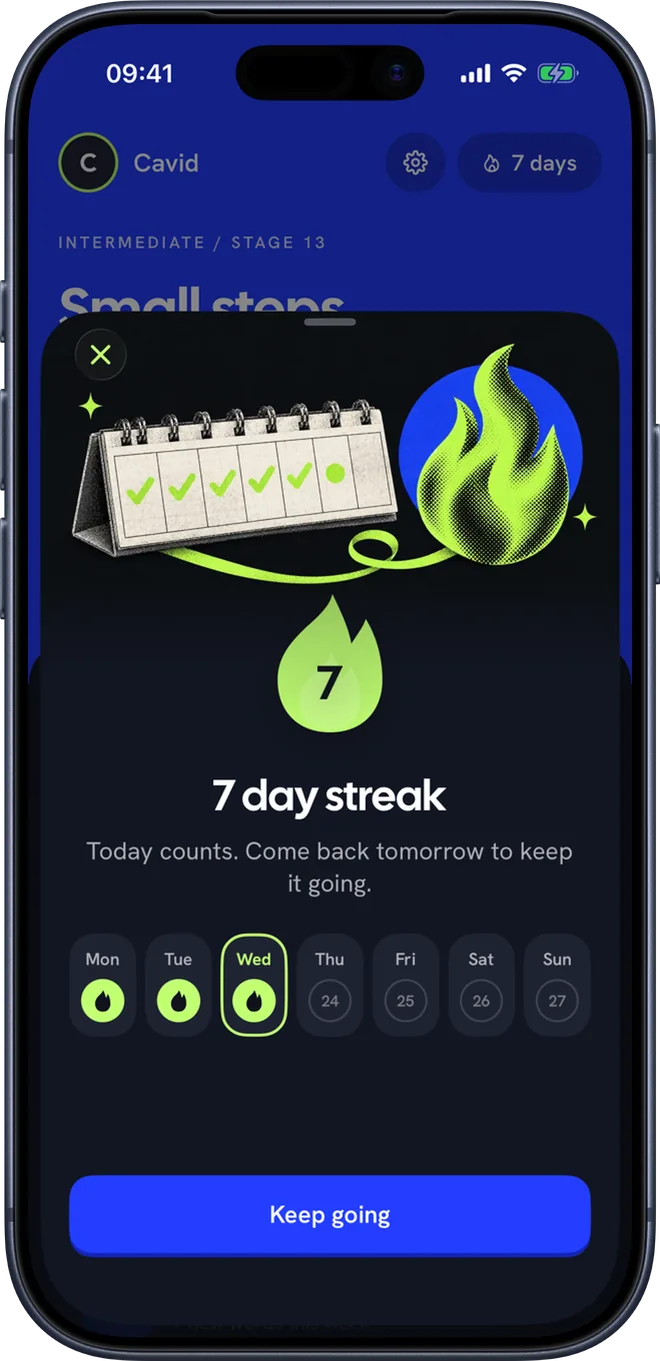
Keep going
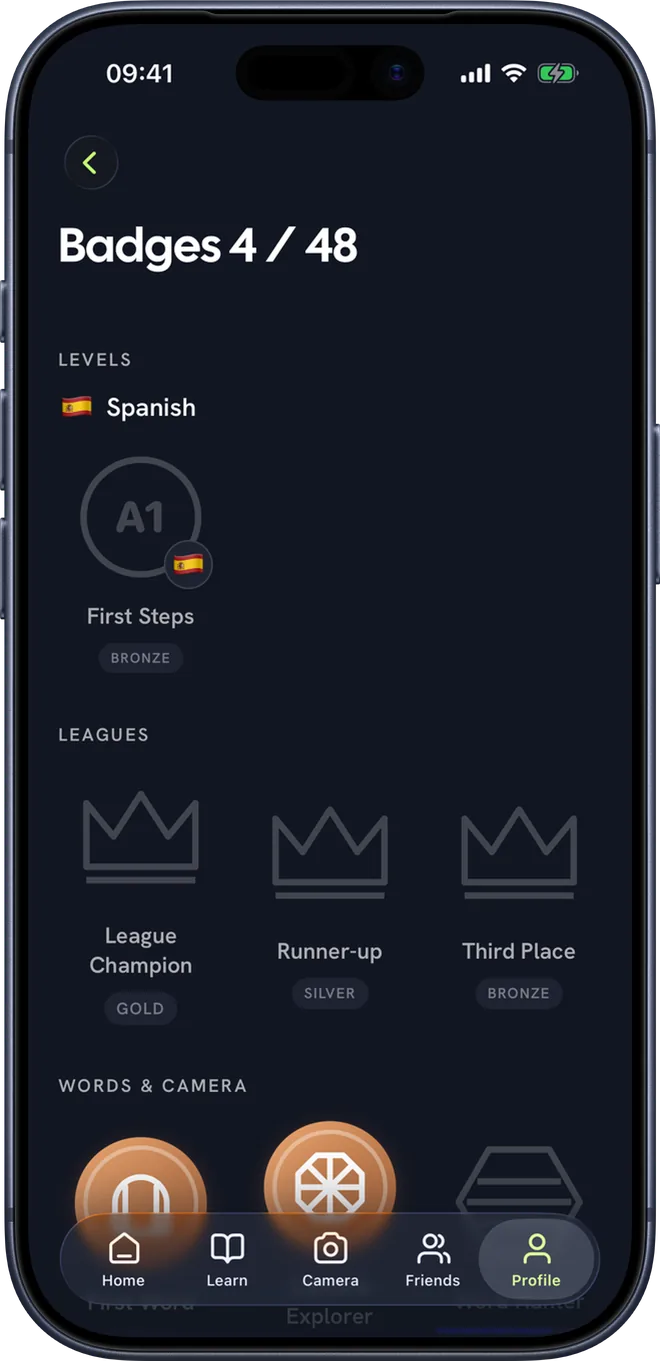
Every day you learn keeps your streak going, every task earns XP, and badges mark what you've done — from your first word to your level in each language.


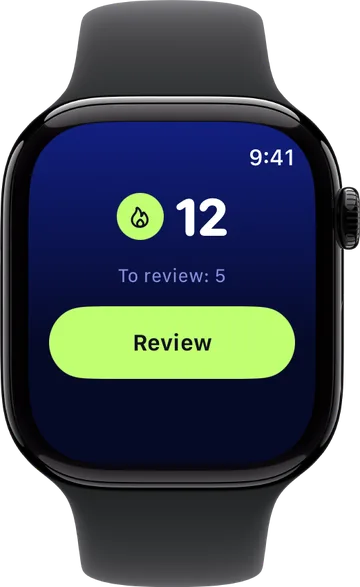
Apple Watch
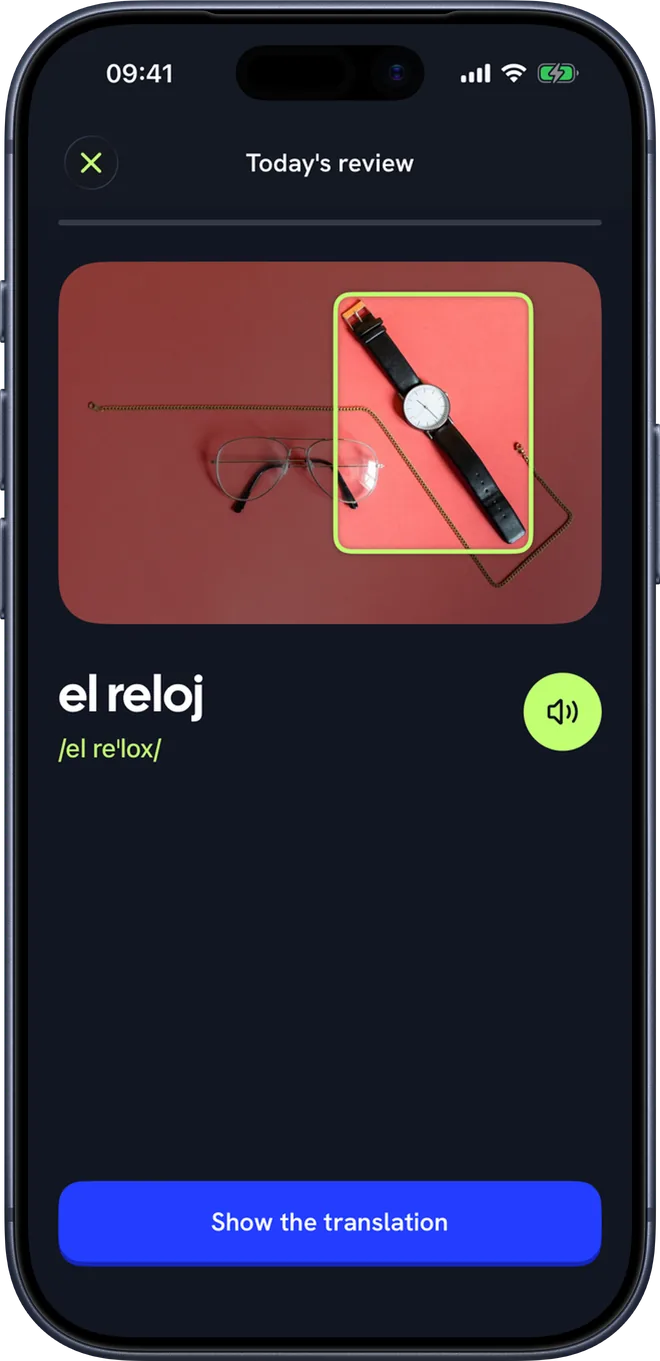
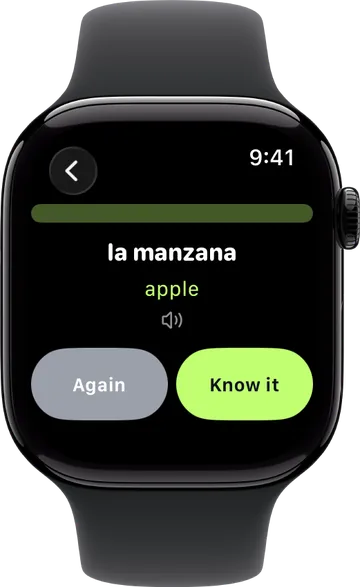
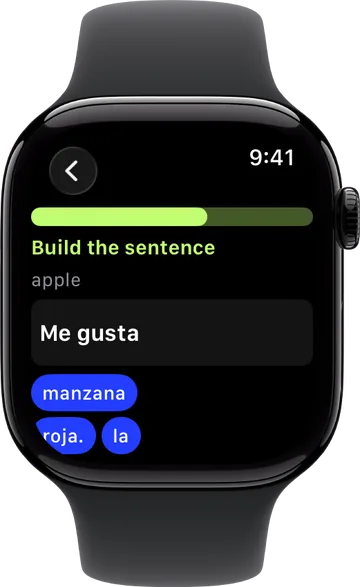
The words you found on your iPhone come to your Apple Watch. A few minutes in a queue or on a walk is enough for a review.
And more
Two steps a day: take a photo of a new word, then review the words due today.
Your streak and today's path on the Home Screen and the Lock Screen.
Flashcards and a sentence builder on your wrist, and your streak as a complication.
One reminder a day when your words are due — never on a day you've already practised.
Take your first photo without an account. For more photos, create a free account — your word moves over.
Use the app in English, Turkish, Azerbaijani or Russian. Learn English, Spanish, German, Russian or Turkish.
FAQ
Anyone who wants to use a new language in everyday life. The app speaks your iPhone's language — English, Russian, Turkish or Azerbaijani — and you pick the one you want to learn: English, Spanish, German, Russian or Turkish. We measure your level for you on the first run (CEFR A1–C2).
Lernify is in English, Russian, Turkish or Azerbaijani: it follows the language your iPhone uses for it (Settings → Lernify → Language). Whichever it is, you can learn English, Spanish, German, Russian or Turkish.
The app is in testing and free to use. If that changes, we'll say so here first.
A photo is sent to the AI service only to recognise the object. With an account, the photo of each word you save is also kept privately with your account, so it comes back on a new phone — only you can see it, and it's deleted with your account. See the privacy policy.
Yes. Profile → Settings → Delete account removes the account and the data stored for it on the server.
The app is still in the making. To hear about the release, or to send an idea, write to [email protected].
Lernify is on the App Store, for iPhone: open it on the App Store.

Next step
Lernify is coming to the App Store. We'll tell you the day it lands.
Lernify is on the App Store. Download it and find your first word today.

For iPhone.

